Check Up Tips - optimization for your computer
 
Chief Engineer Scotty says: "An ounce of prevention is
worth a pound of scotch." |
Top 10
Engineering and Security
Procedures
for your
Enterprise Computers


David Spockus, C I Corporation
Chief Engineer and Science Officer |
|

 Check
Off Items for Checkov
Check
Off Items for Checkov
BridgeC9C10C11C12C15C17C19
Engine RoomC13
C14
Rick
C5
C6
C7
OS
C8
1.
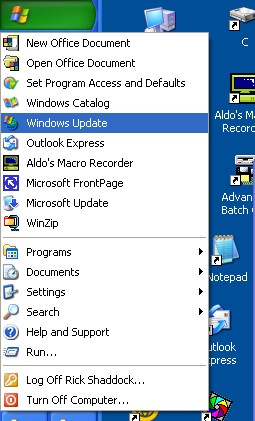
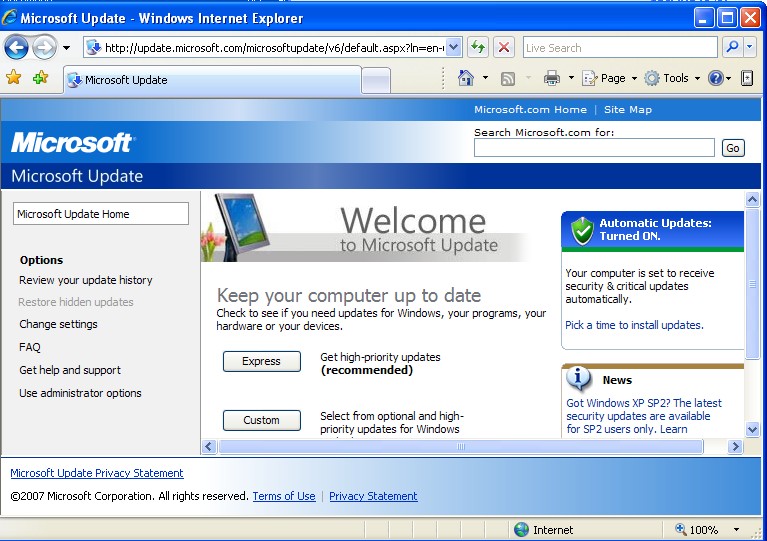
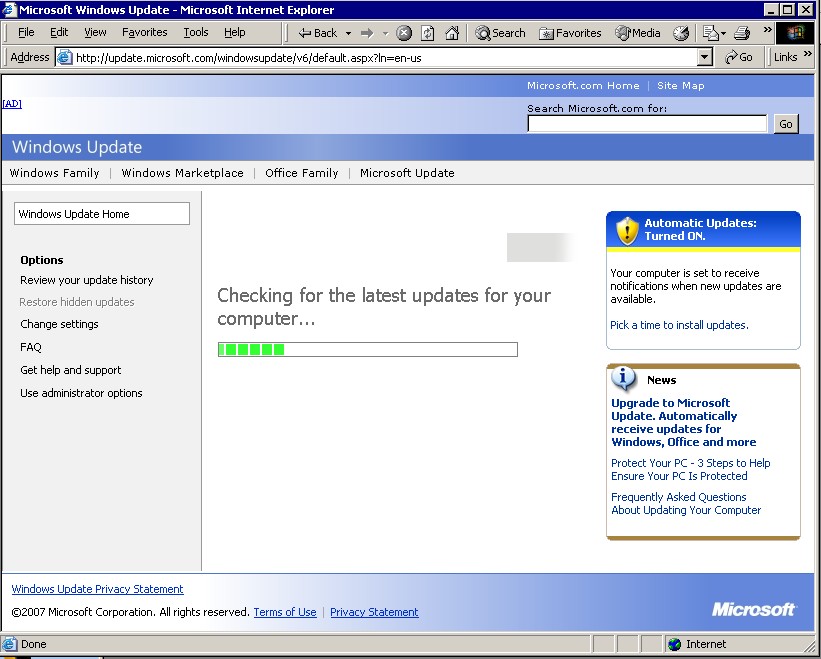
Windows Update - Keeping up the latest technology
2.
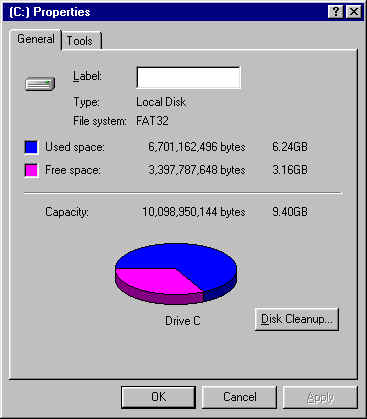
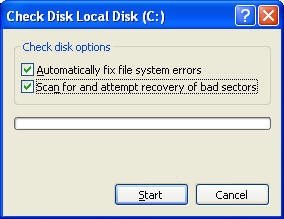
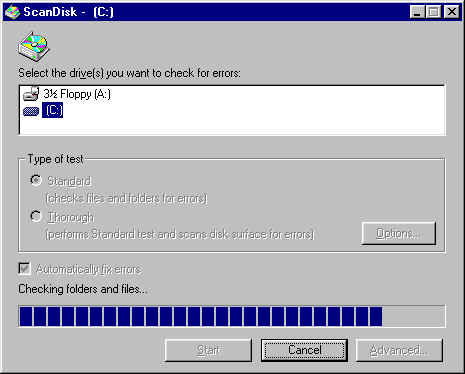
ScanDisk - Scanning all decks
for structural integrity
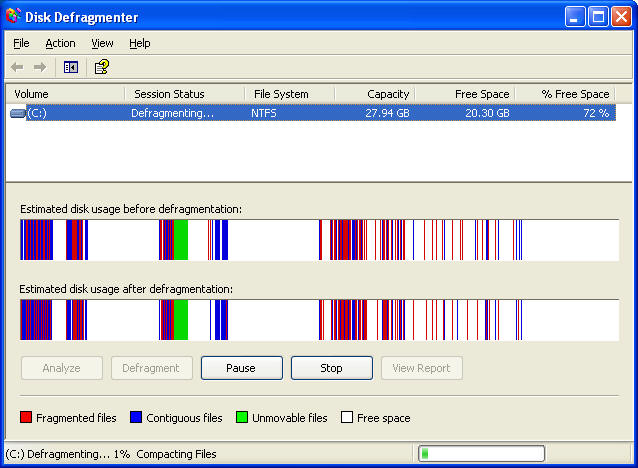
3. Defragmentation
- Energizing after transporter
|
 |

 |
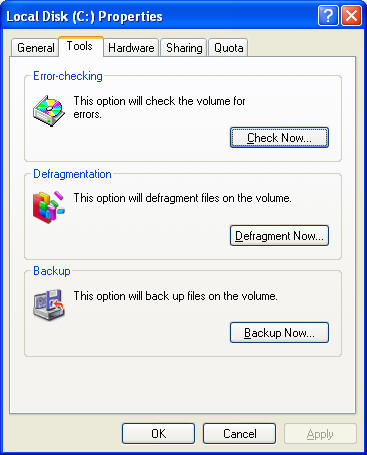
Click My Computer
Right click on C:
Select Tools
Defragmentation
 |
|
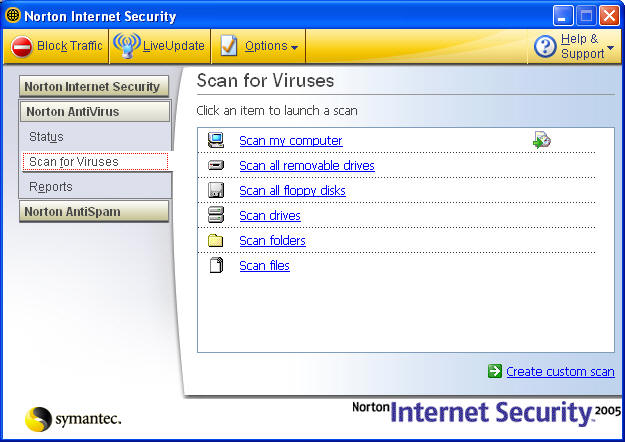
Norton Anti Virus - workstations
 |
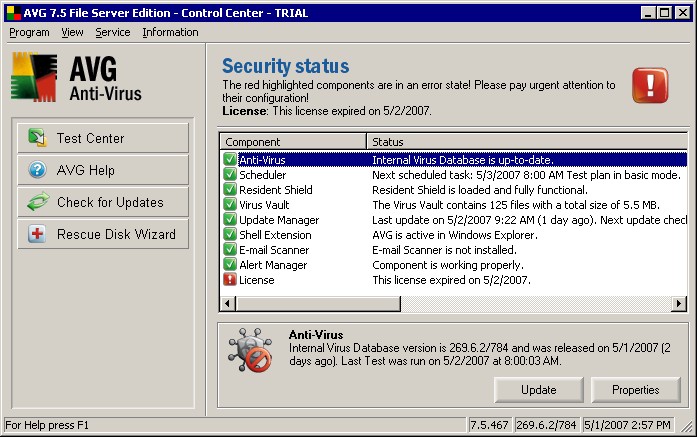
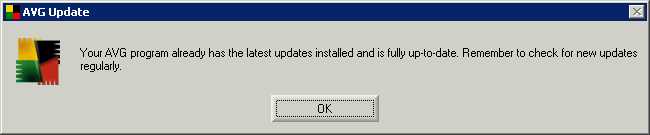
AVG Anti Virus Grisoft - Server
 |
|

 |
|
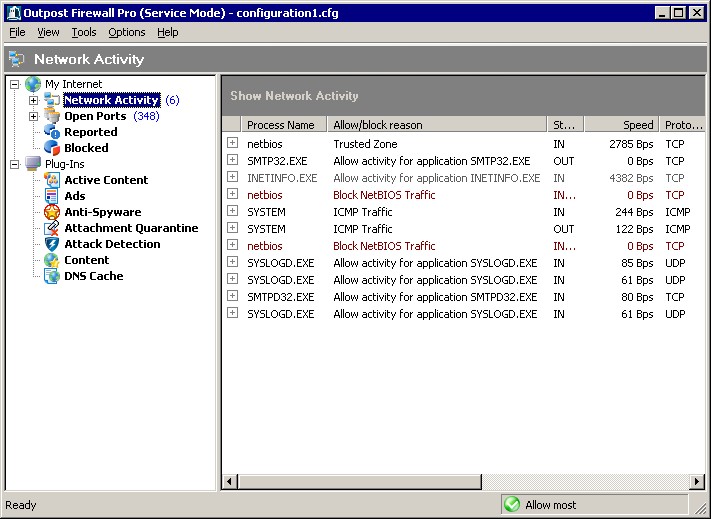
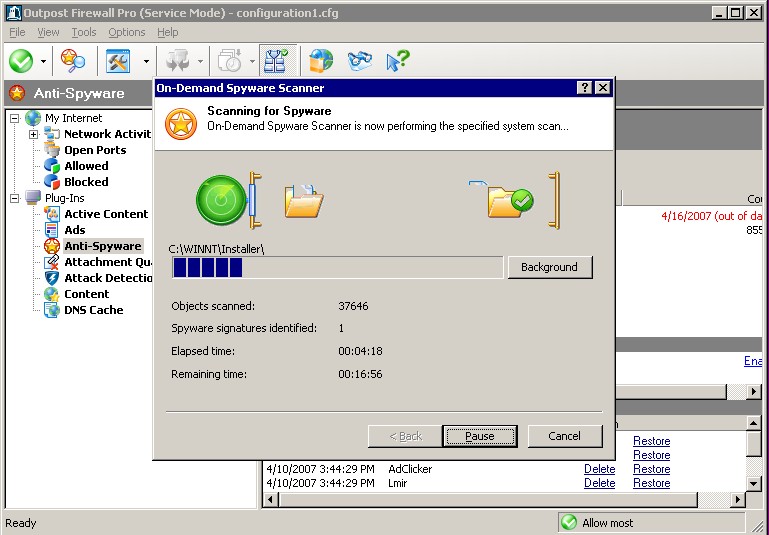
Agnitum Outpost FireWall
 |
 |
RegistryFix
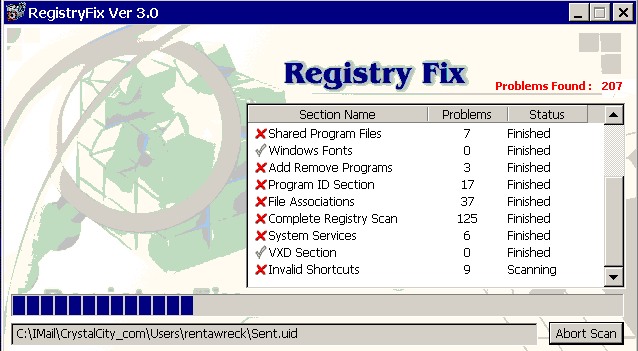 |
We recommend this program from
http://RegistryFix.com
We have it Setup/Utilities
Go to Advanced Options and do:
Registry Backup
Clean up any unwanted Browser Helper Objects
|
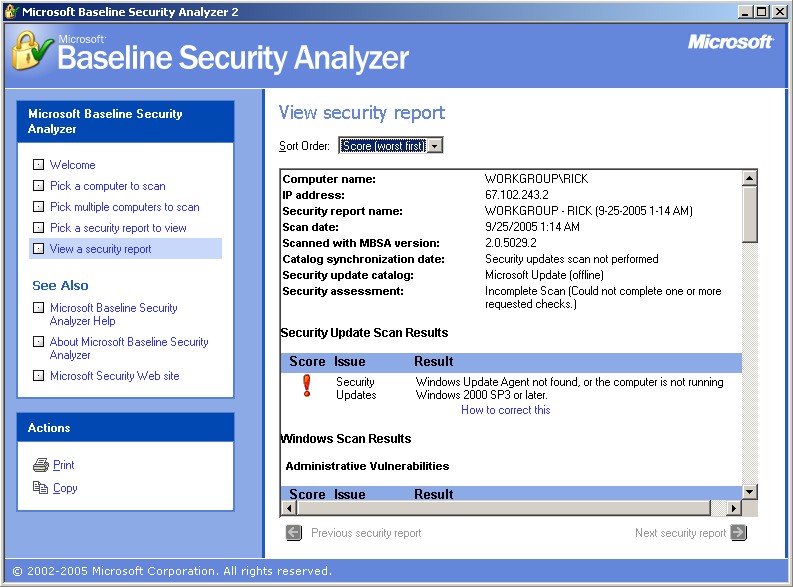
7. MBSA - Microsoft Baseline Security
Analyzer - Inspection
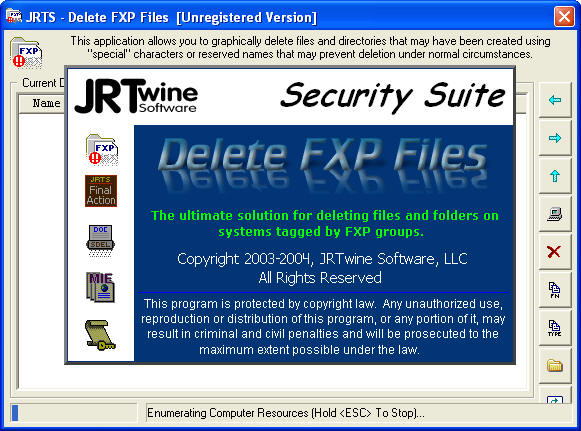
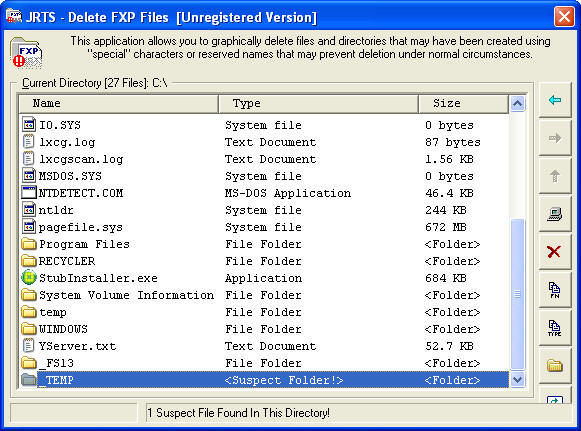
DeleteFXP
|
 |
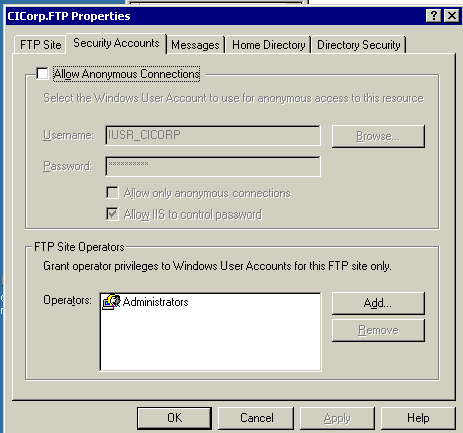
Sometimes hackers get in and change the settings to Anonymous,
or make new Users
Computer Management
Internet Information Services
FTP
Properties
SecuritySee settings |
 |
|
Computer Management
Check for unauthorized Users
Check Even Log
Firewall Setup
|
|


C I Corporation
800-319-3190
Return
Notes
Goto DOS and run the command
SFC /SCANNOW
This should revert all the Windows files to their original versions.
all of the running processes are known processes, and some of
them can't be stopped