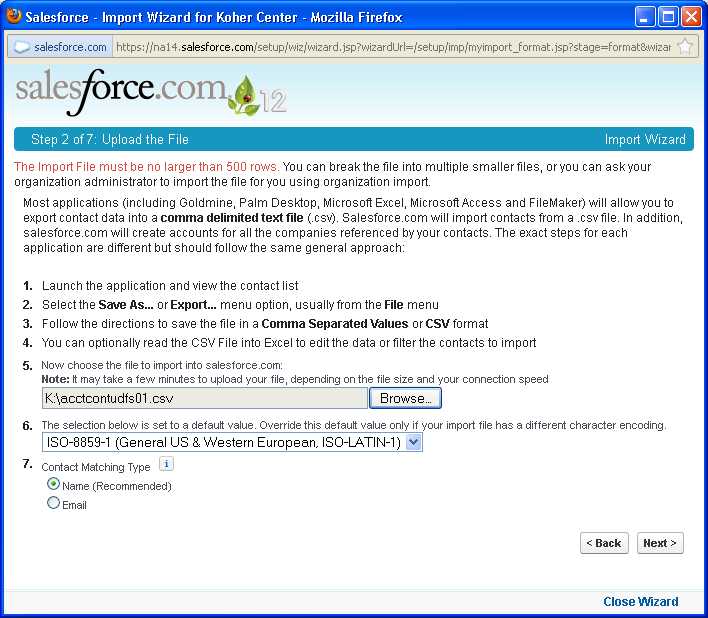
The simple Import Wizard that is included with Salesforce Professional version is very simplistic, and only gets Contacts and Accounts. It can only upload a maximum of 500 rows of accounts and contacts, not the activities or history.
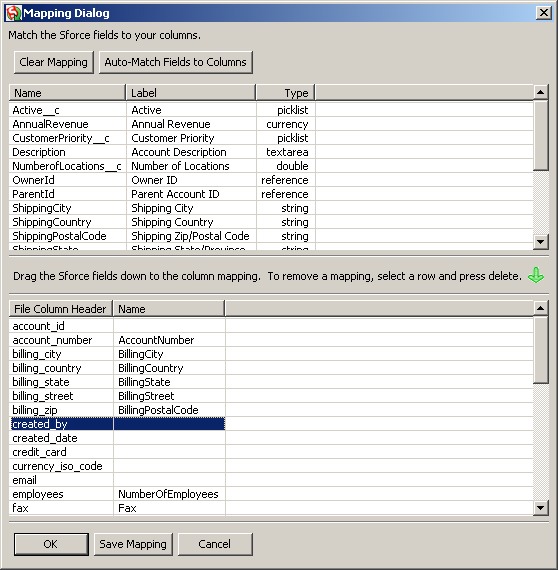
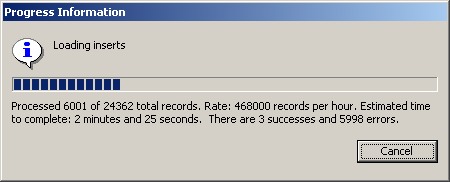
For full imports, you will need the Enterprise Version ($120 per user) which will include the DataLoader, which enables upload of over 100000 rows at a time, plus all the related tables.
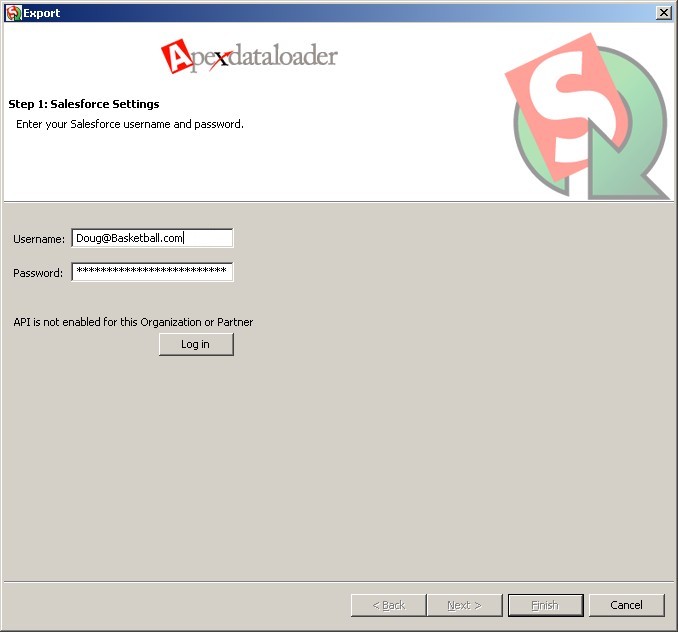
You will first need to contact your Salesforce Rep and ask for a Security Token, which adds on to the right of your password.
There are 4 things Salesforce needs for advanced applications:
| # | Item | Example |
| 1. | Username: | email@domain.com |
| 2. | Password: | mypassword123 |
| 3. | Verification Code: | 12345 |
| 4. | Security Token: | xzEv6VRjMoFnrKzsaVZ2xTKqZ |
To get the Security Token, go into Salesforce and select Setup, My Personal Information, Reset Security Token. Then it will be sent to your email address.
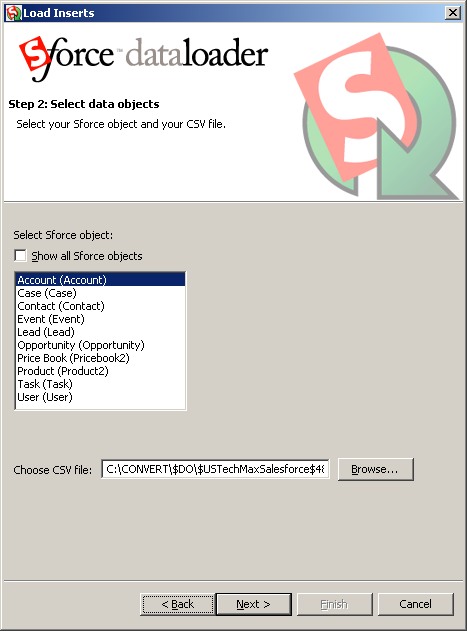
| Regular tables | Show all Sforce objects |
|
Account |